Managing funds
Fund display
Section titled “Fund display”Fund Filer allows the user to control how funds are displayed when entering donations. This can be helpful if many donations for a specific fund are being recorded.
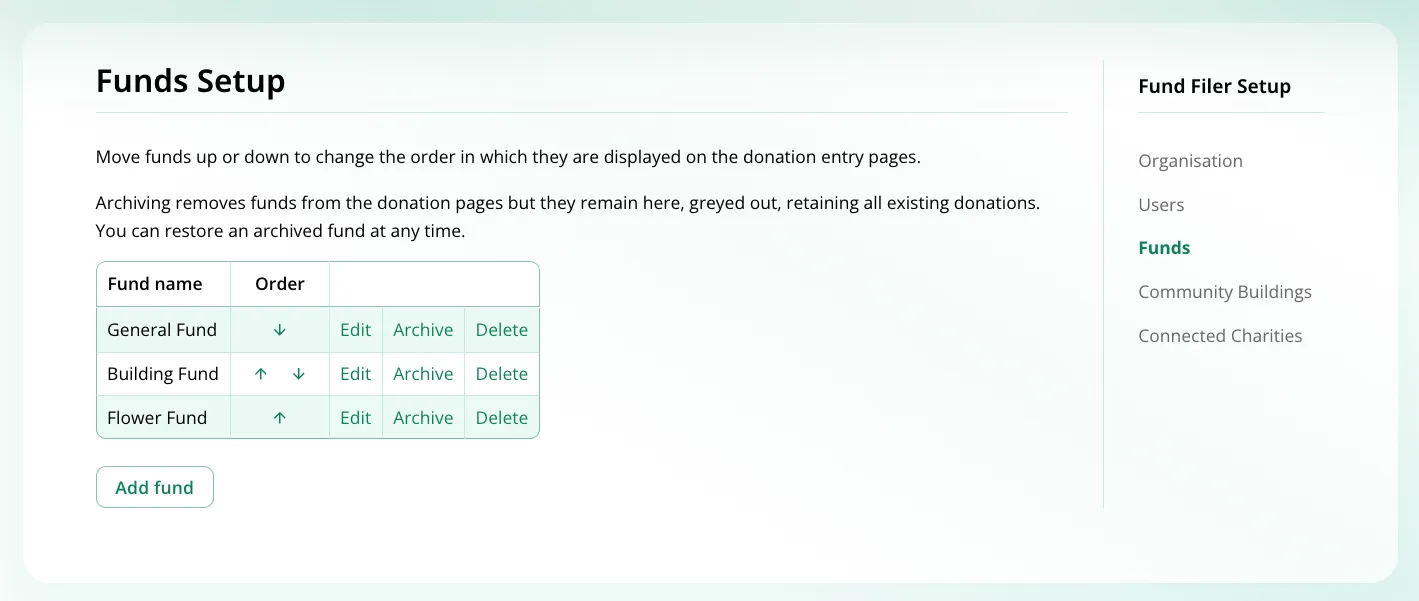
The most frequently used current fund can be moved to the top of the list when needed and then moved again if needed.
This is done from the Funds Setup page. Move funds up or down to change the display order.
Archiving funds
Section titled “Archiving funds”Too many funds can clutter menus, particularly if they are for appeals that have finished.
Funds can be archived and reactivated at any time using the relevant ‘archive’ and ‘restore’ links on the Funds Setup page.
Archiving removes funds from donation menus but they remain on the ‘Funds Setup’ page, greyed out, and retain all underlying donations associated with them.
Fund reporting
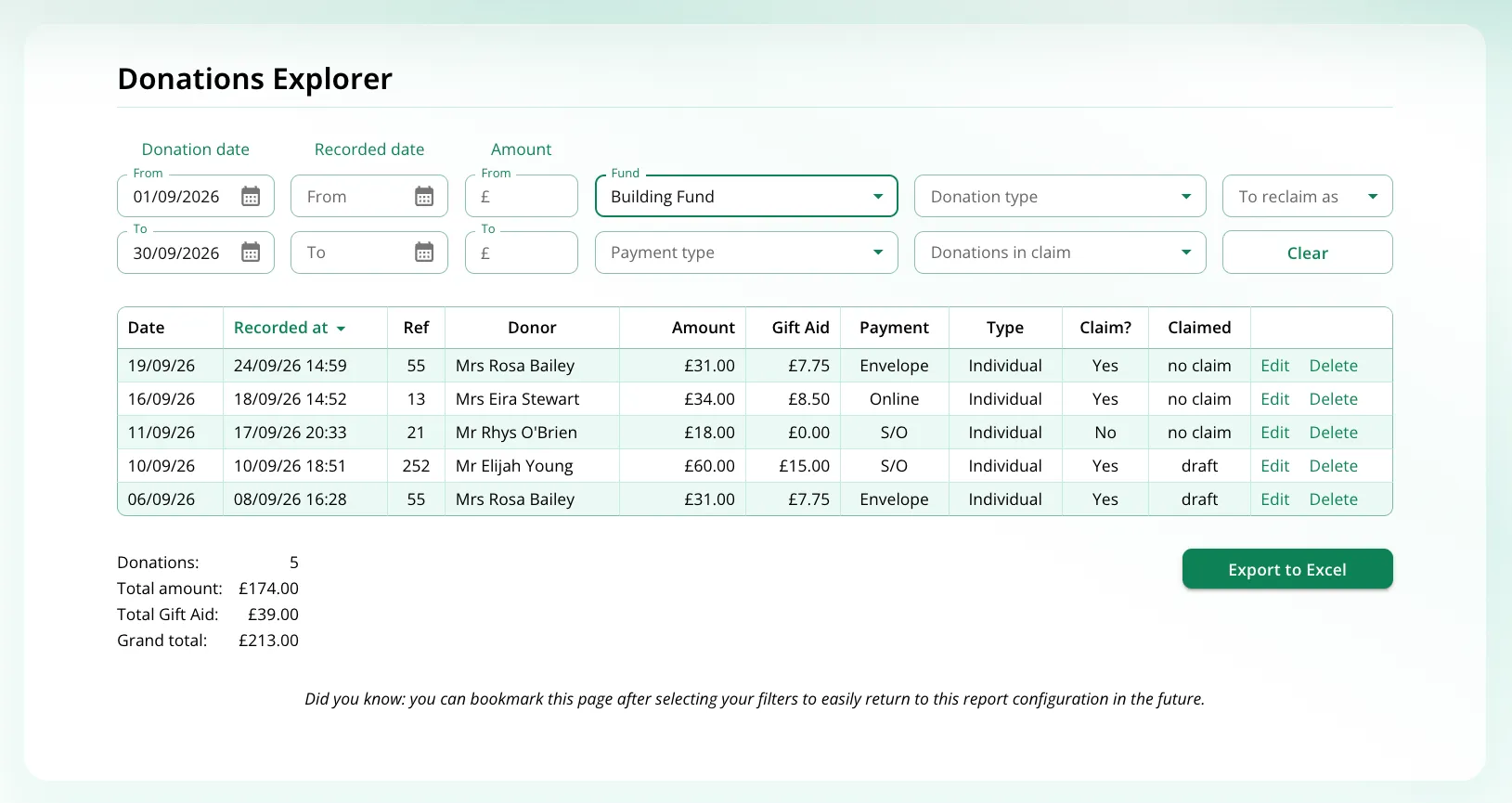
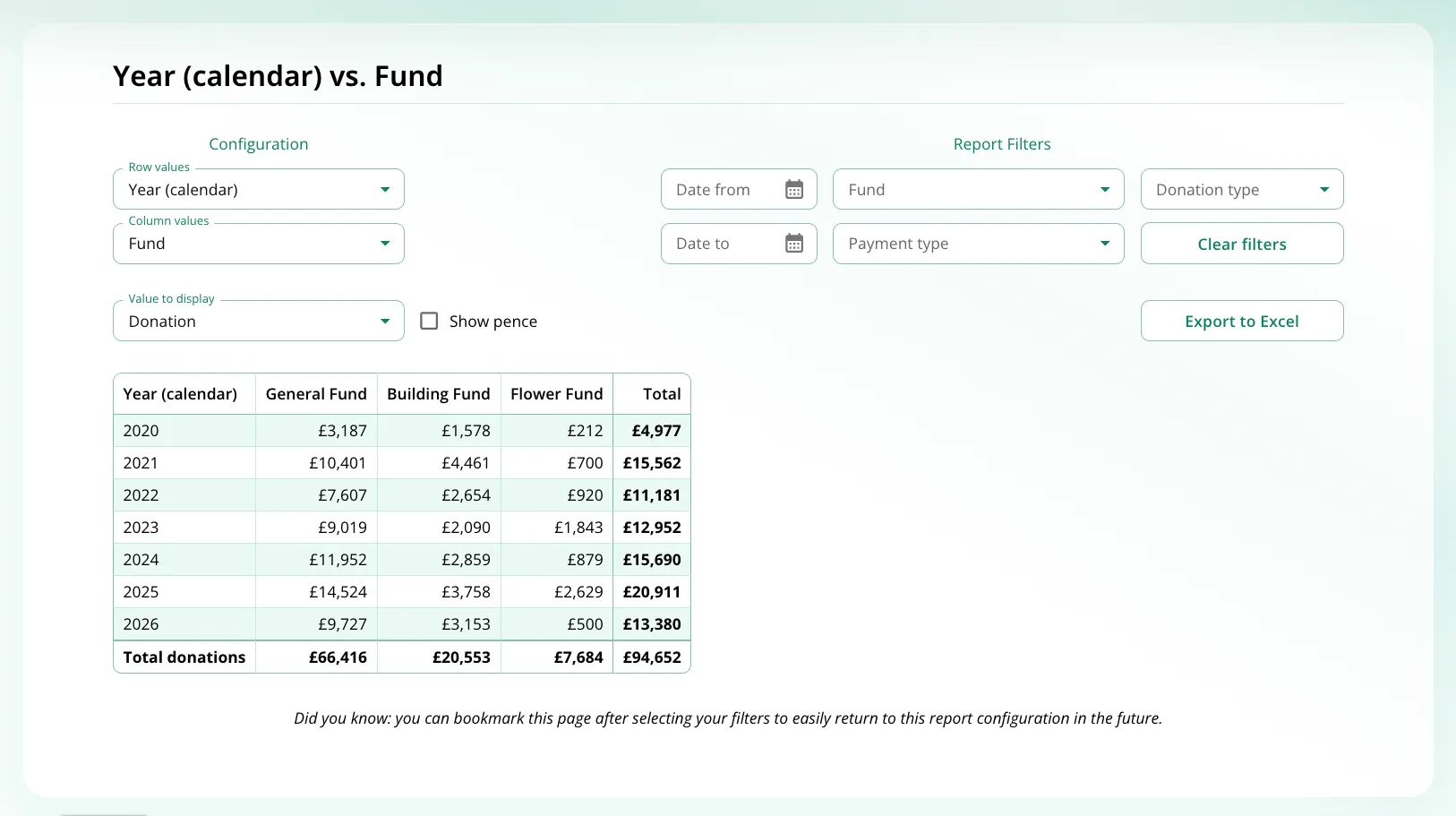
Section titled “Fund reporting”Donation activity by fund can be reported in a wide range of ways from our reporting tools listed in Fund Filer’s ‘Reports’ Menu. Look particularly at:
- ‘Donations Explorer’ for detailed information on individual donations.
- ‘Finance Summaries’ for summary values that illustrate the bigger picture
Fund Filer’s reports can be configured in many different ways using the wide range of filters available. Carefully configured reports can also be saved as bookmarks once created, enabling them to be re-used whenever they are needed.