
Before you start
The following information will be of particular assistance to new charities and officers new in post.
Note that HMRC and Charities Online registration does not need to be completed before starting to use Fund Filer.
Applications for these registrations should be submitted promptly after setting up an organisation as a charity, but most of the Fund Filer account setup can be done while waiting for official registration numbers to arrive.
Donor and donation records can also be added ahead of having registration numbers. It’s all work that needs to be done. There’s no point in delaying!
Just bear in mind that repayment claims can’t be submitted without the relevant HMRC registrations being in place. These are described below.
HMRC registration
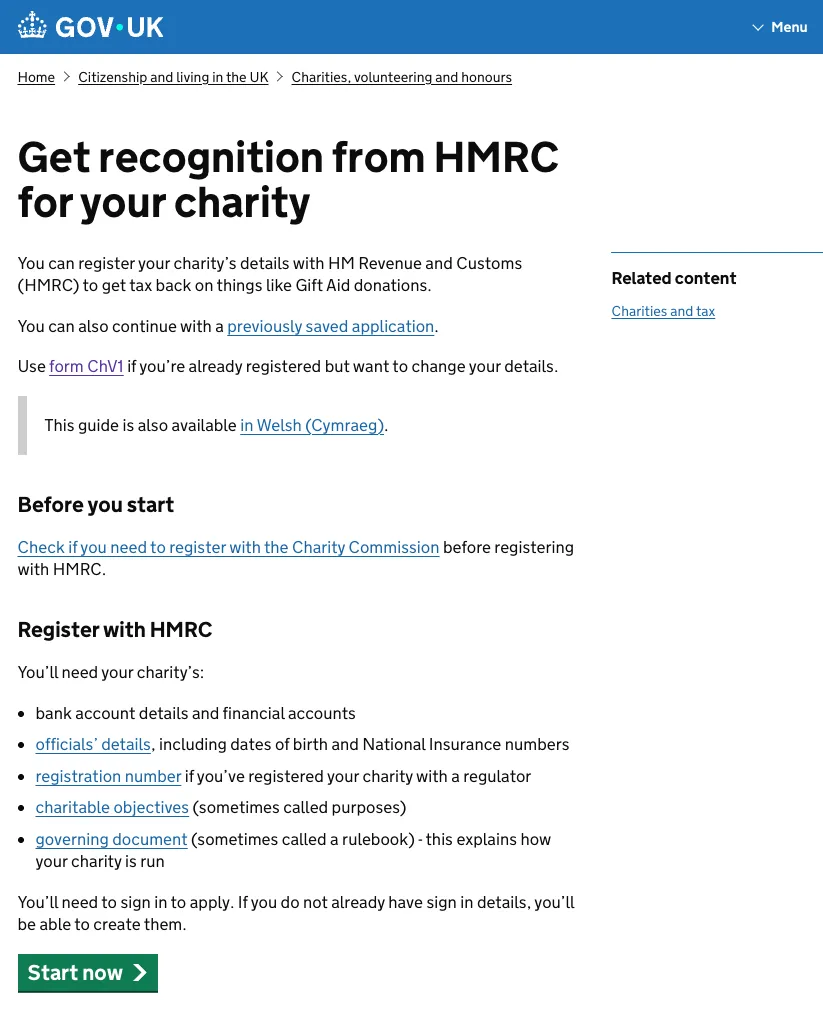
Section titled “HMRC registration”Any charity wishing to take part in the Gift Aid scheme must first register with HMRC by completing form ChA1.
This form and further information on HMRC registration can be found on the HMRC website via this link: https://www.gov.uk/charity-recognition-hmrc
HMRC numbers
Section titled “HMRC numbers”Once registered, a charity is issued with an HMRC number.
These are usually about five digits long and begin with an X or EW for charities in England and Wales, CR for Scottish charities or CH for those in Northern Ireland.
An HMRC number identifies a charity to HMRC and is therefore always included in Gift Aid repayment claim submissions, along with charity name.
These details are also therefore required as part of the initial set up on Fund Filer. They should also be quoted in any communications a charity makes with HMRC in connection with its tax affairs.
Charities Online registration
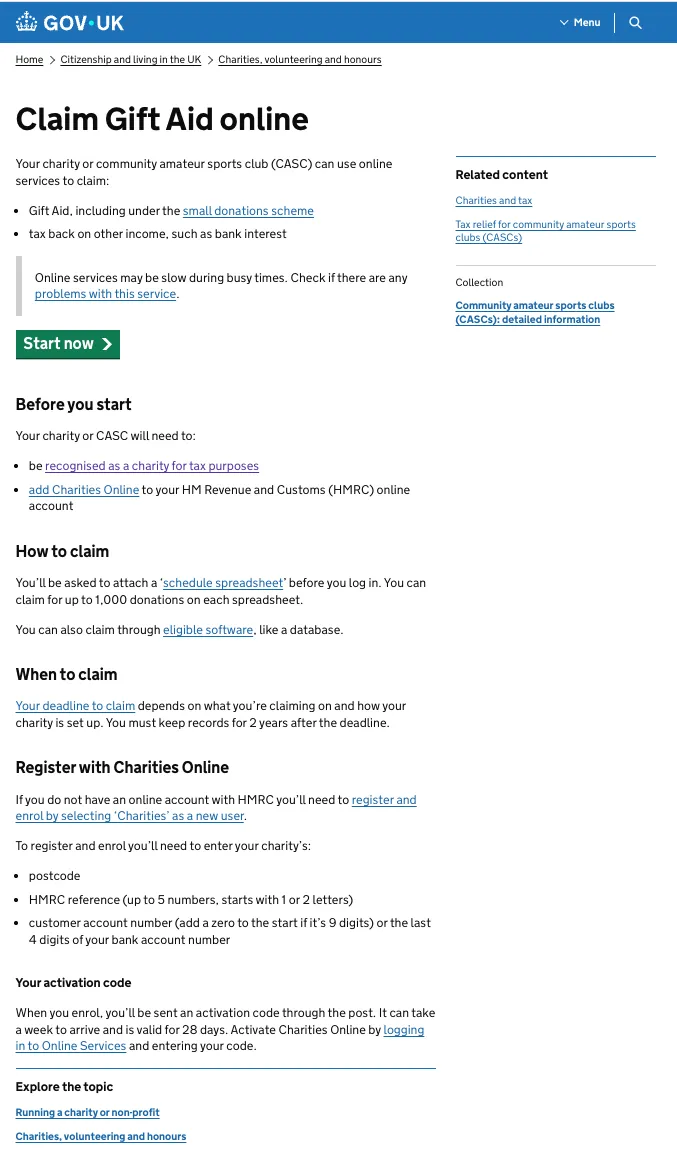
Section titled “Charities Online registration”The next step after obtaining HMRC registration is to register with Charities Online.
This enables submission of electronic repayment claims through Fund Filer. Be sure to have your HMRC reference details with you when applying.
Apply from inside your HMRC account. One logged in, select the option to enrol or register for a new service and choose ‘Charities’. Follow the process from there.
Once complete, an activation code will be issued to you. Be sure to use this code to activate your account before trying to submit repayment claims, otherwise nothing will work!
For further background
Section titled “For further background”See our Guide to Charities Registration.