Setting up a community building
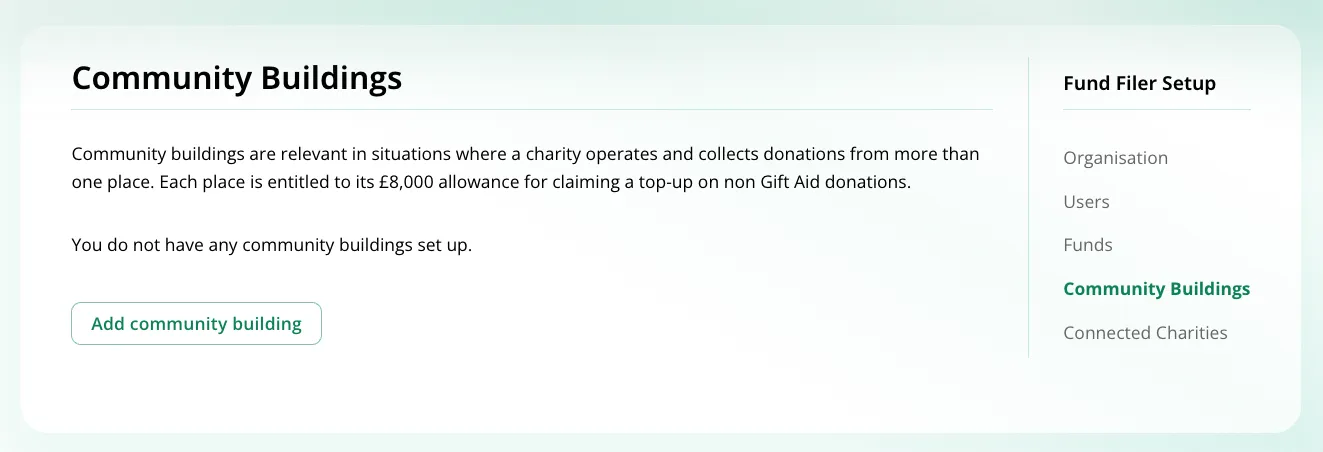
This is a very simple process. Select ‘community buildings’ under ‘setup’ from the account menu or the logged in home page. Click the ‘create a building’ button and complete the details requested.
HMRC requires the following details:
- building name
- first line of the building’s address
- Post Code of the building
Once completed, any buildings created will be offered via a menu on the ‘Gift Aid Small Donations Scheme’ page. Donations can be allocated accordingly.
When submitting repayment claims, Fund Filer takes care of the coding necessary to indicate that donations posted this way are associated with a community building. There is no special further action required by the user.
Setting up connected charities
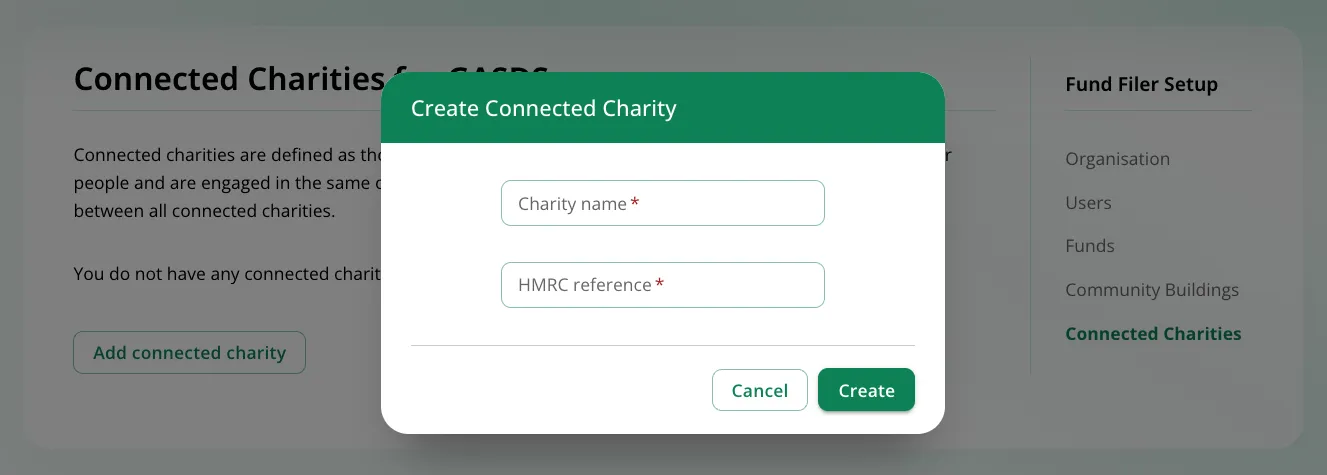
Section titled “Setting up connected charities”To set up a connected charity on Fund Filer, select ‘connected charities’ under ‘setup’ from the logged in home page. Click the ‘add a connected charity’ button and complete the details requested. HMRC required:
- charity name
- the charity’s HMRC reference